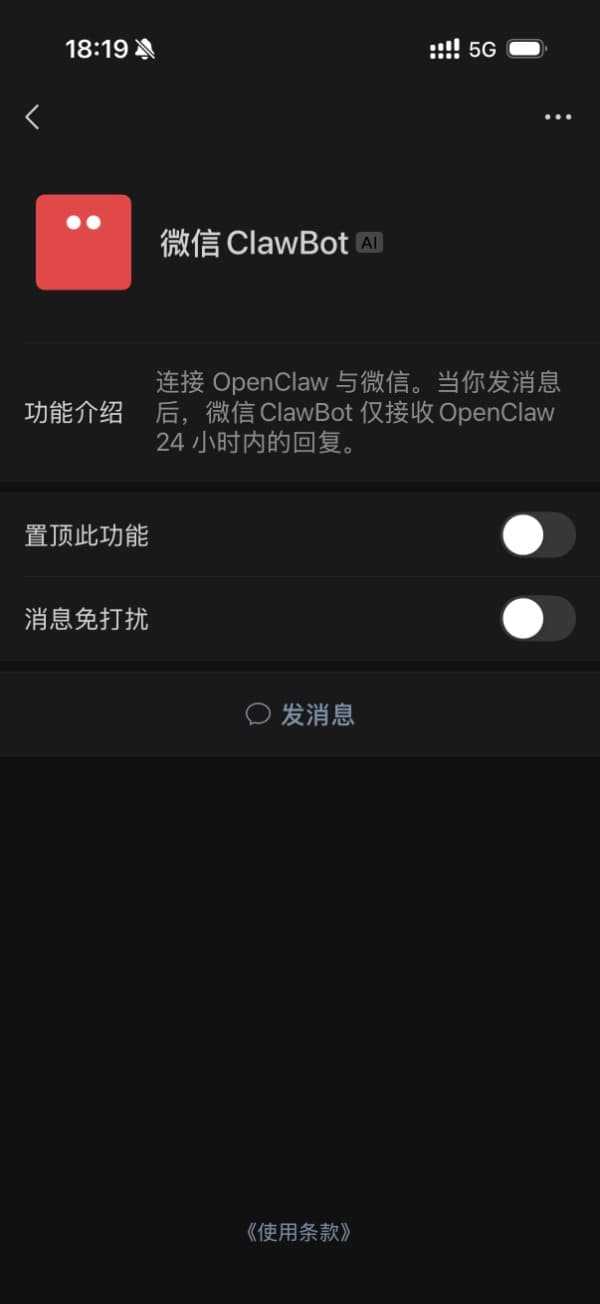
Note: WeChat must be updated to version 8.0.70 or later to use this channel.
1. Complete channel configuration in 302 AI Studio
In the client, open the WeChat-related settings under Settings → Vibe Mode:
- WeChat plugin not installed yet: The page first shows an Install plugin entry. For first-time setup, install the plugin first; the binding QR code appears only after installation completes.
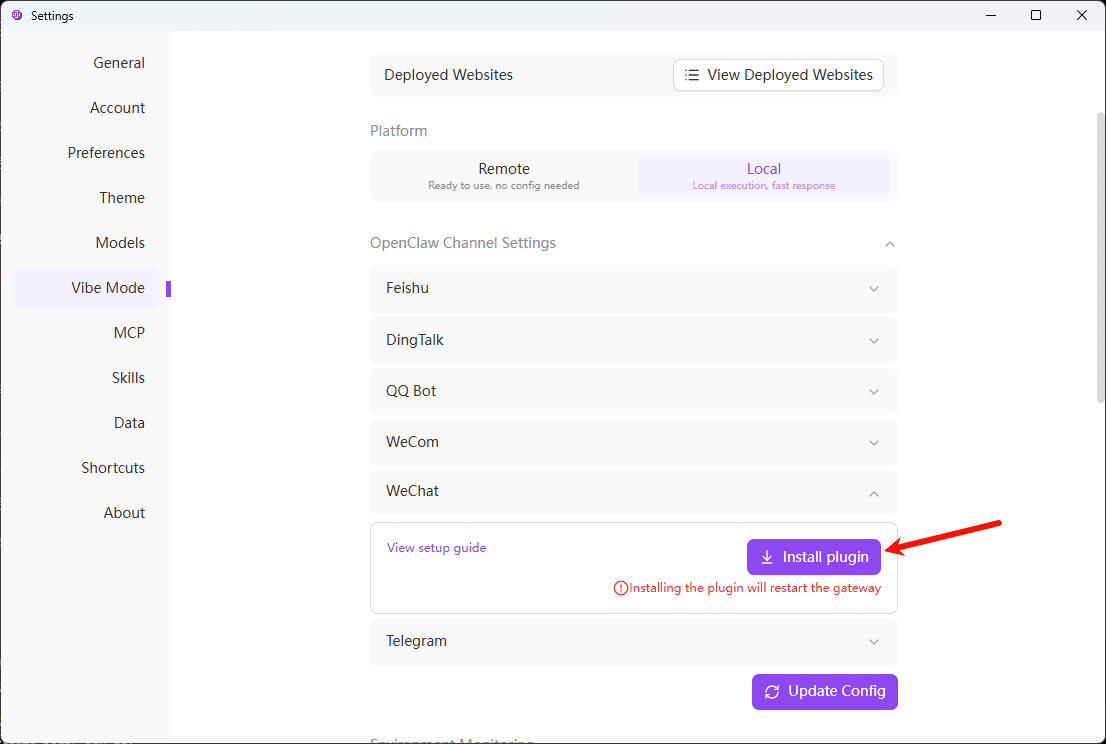
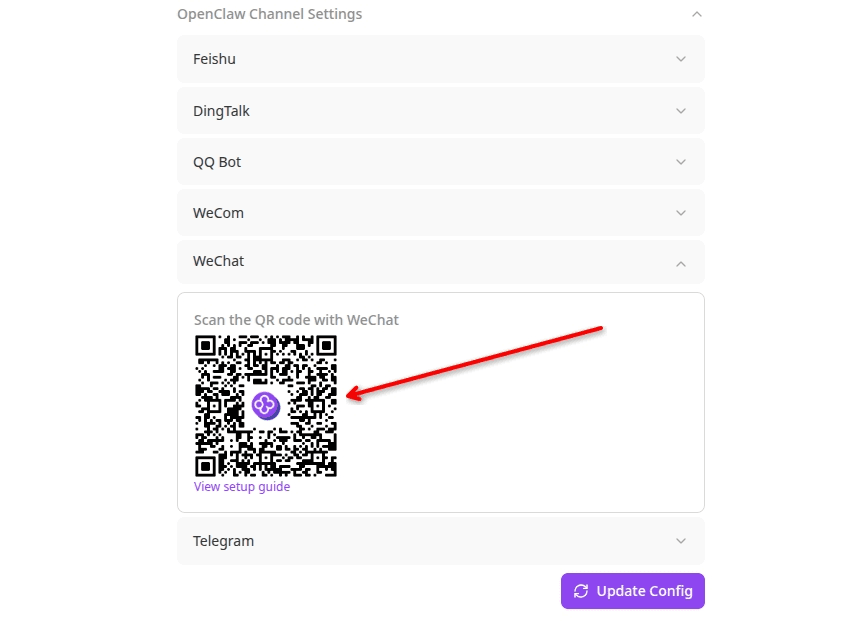
- WeChat plugin already installed: Opening this page shows the QR code directly, with no need to install again.
After you install the plugin, the gateway restarts. A restart interrupts all tasks that are still running. Before you proceed, make sure no OpenClaw sessions are still active in the background, so work is not cut off unexpectedly.
2. Scan the code and use
- In WeChat, scan the QR code from 302 AI Studio to bind. If you have already bound before, you will be prompted to unbind from the existing OpenClaw pairing.
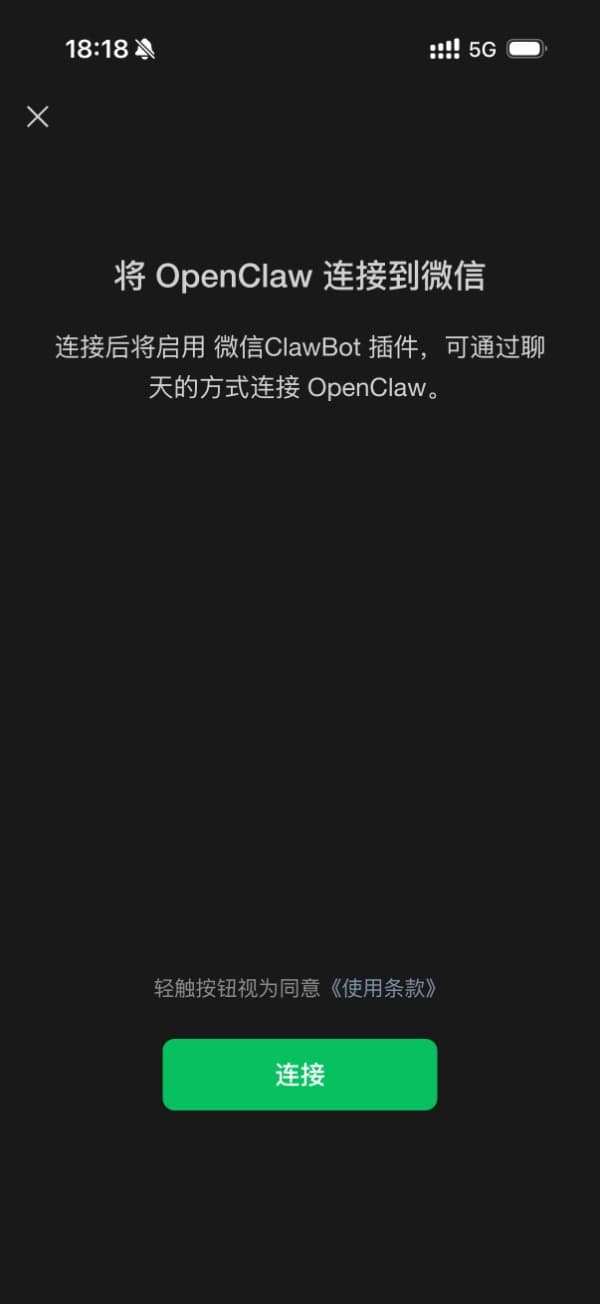
- After binding succeeds, you can chat with OpenClaw right in the WeChat chat window: