QQ Bot
1. Obtain QQ Bot Credentials
1. Register and Log in to QQ Open Platform
Visit QQ Open Platform, follow the prompts to complete registration and log in.
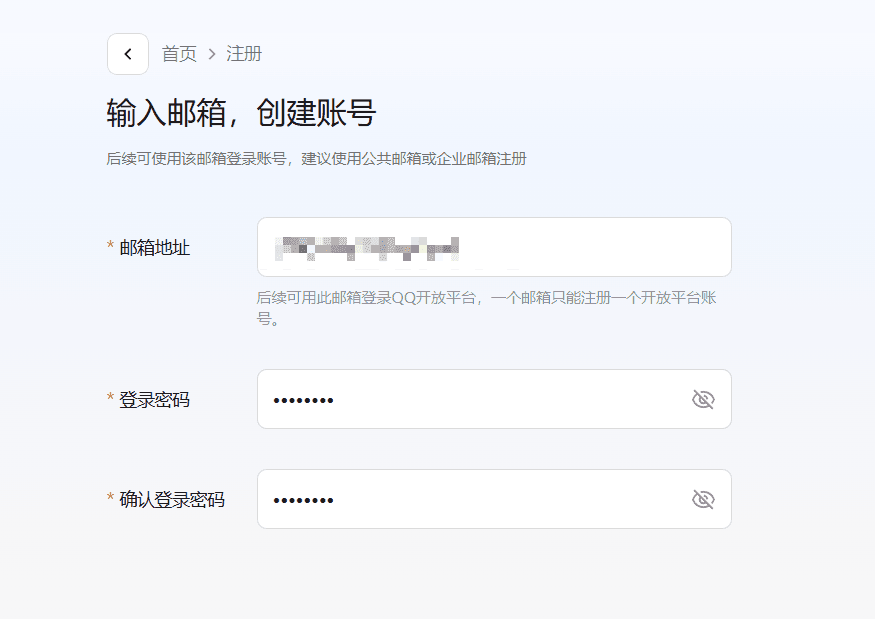
After registration, enter the console and follow the page instructions.
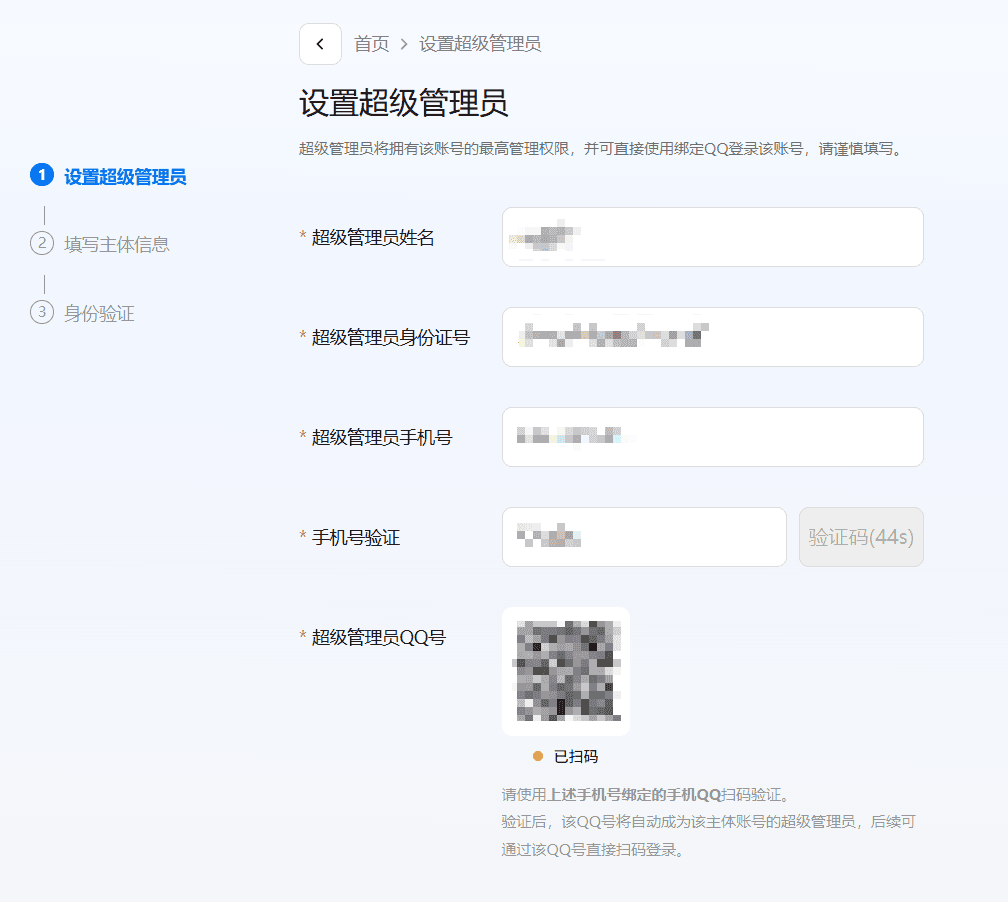
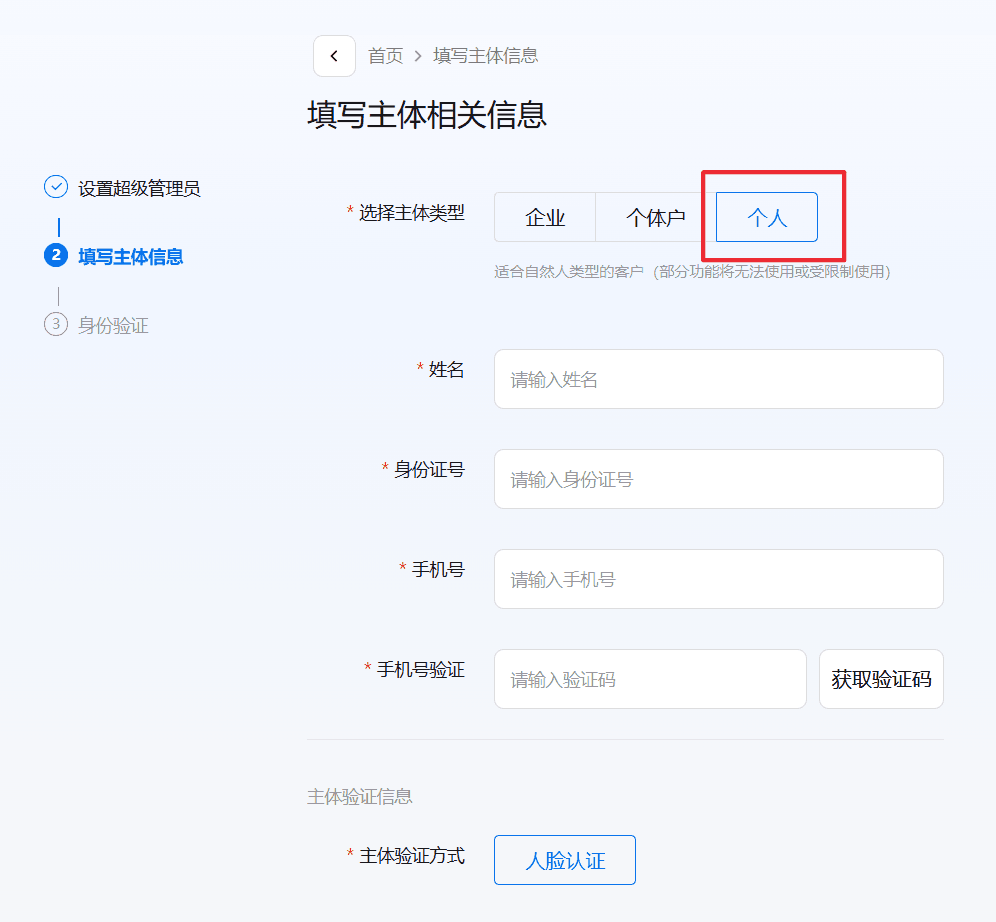
2. Create a Bot Application
Go to Application Management, select "Bot" type to create an application.
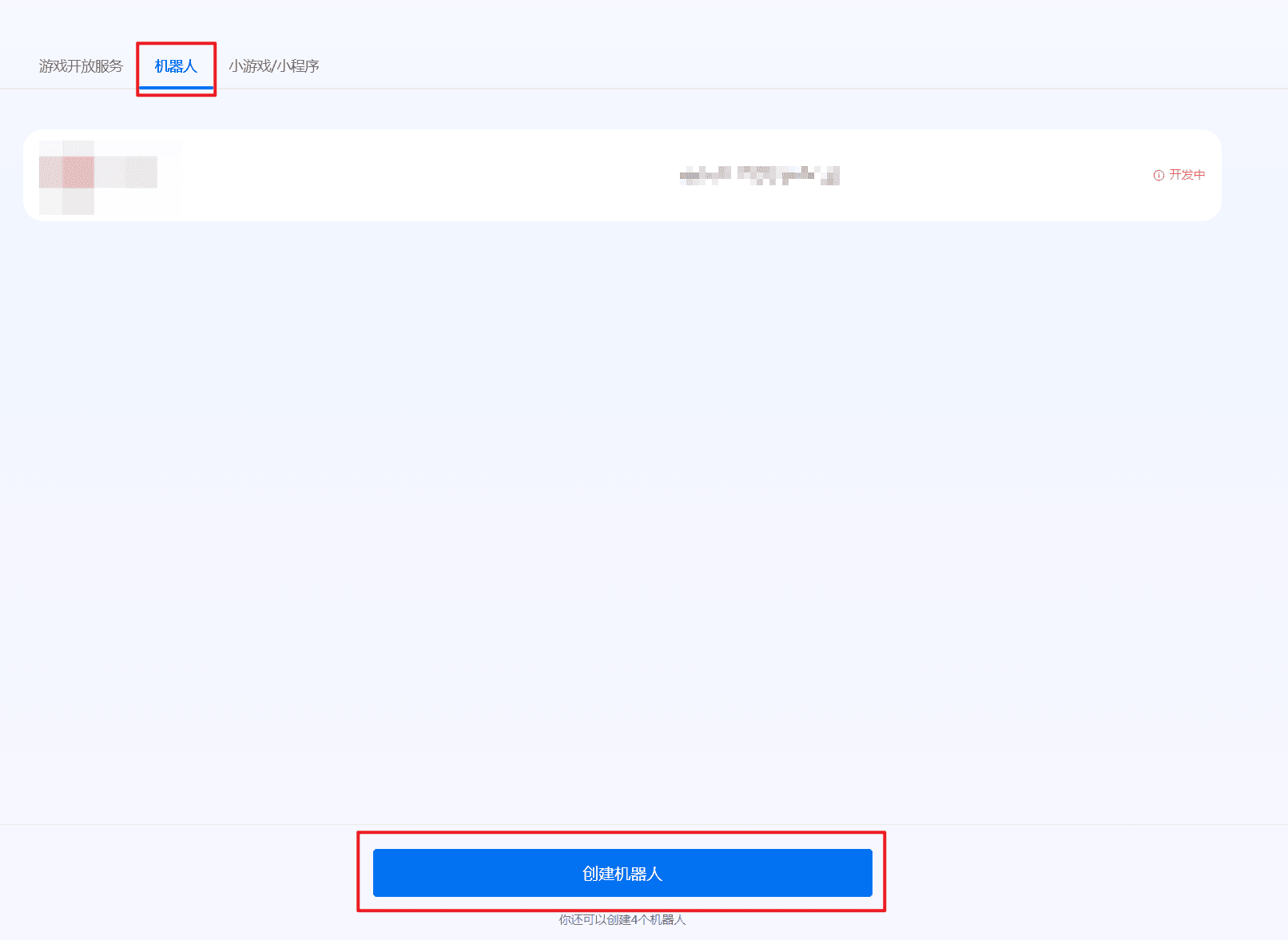
After creation, click to enter the application details page.
3. Obtain AppID / AppSecret
Get AppID and AppSecret on the application details page.
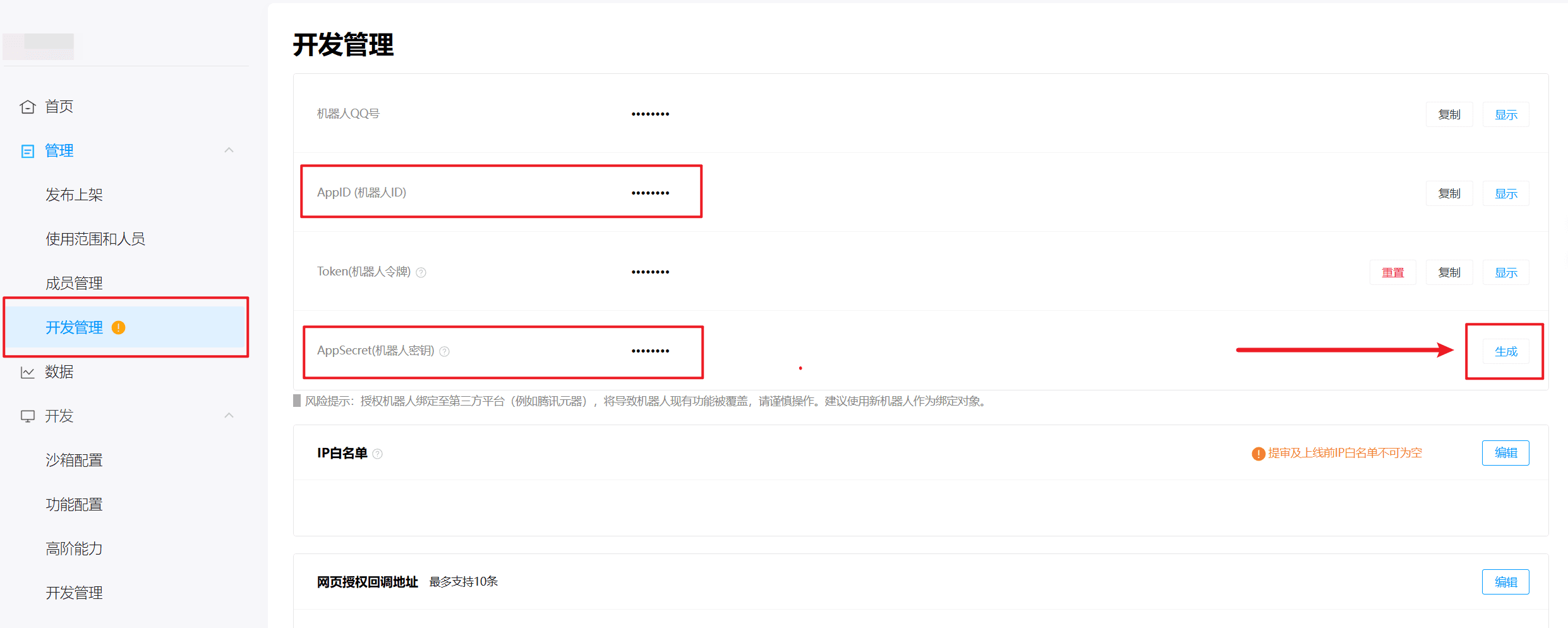
4. Enable Permissions and Add Members
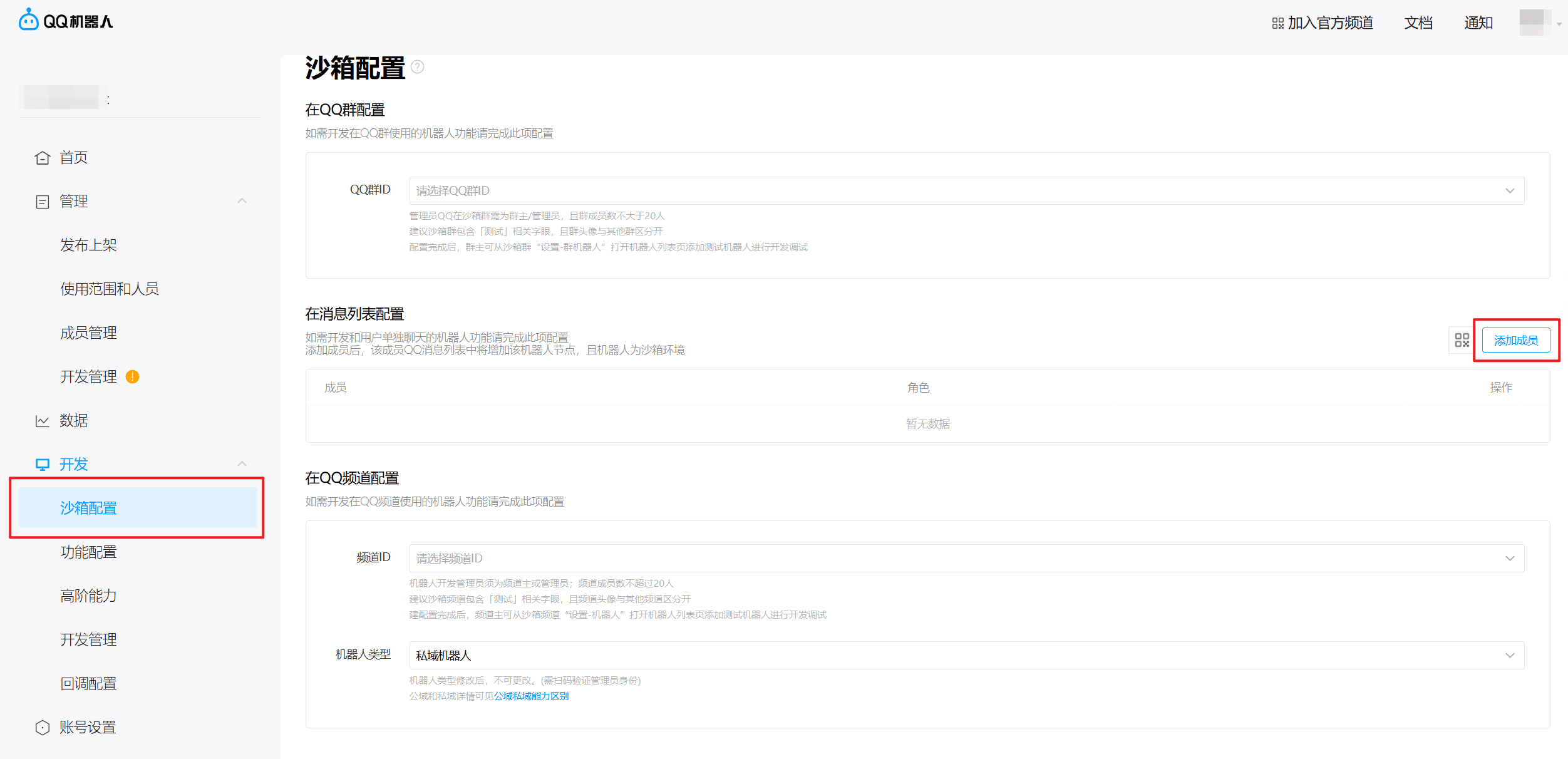
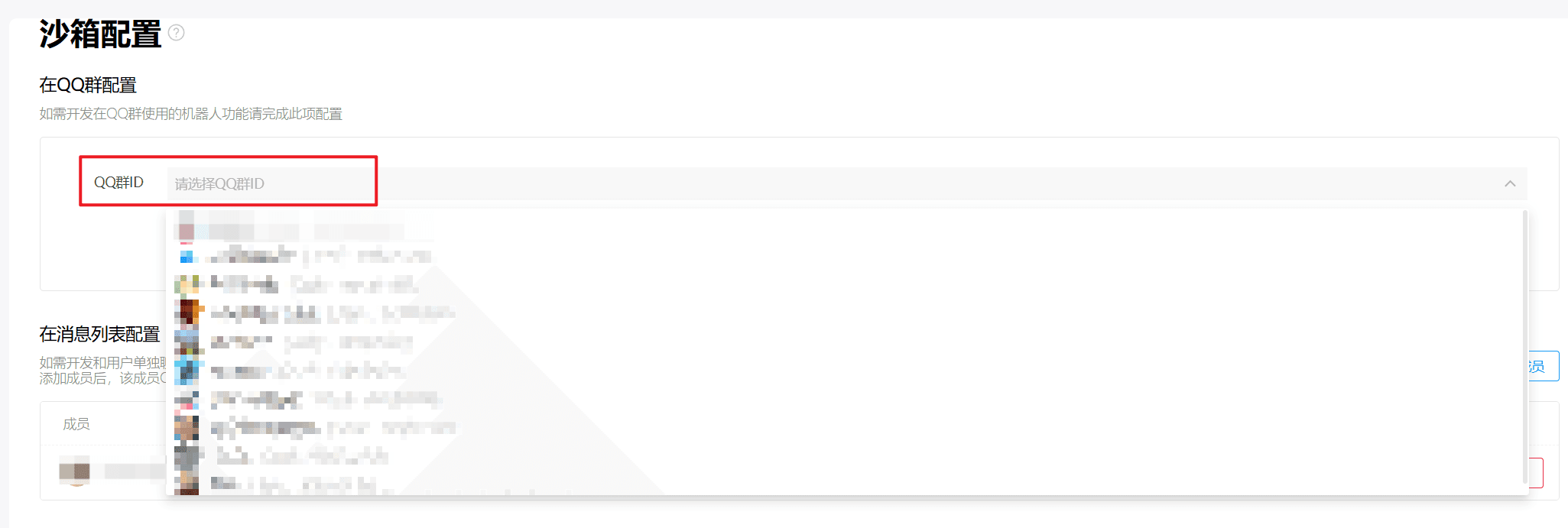
Optional: Add the bot to a test group for debugging in QQ groups.
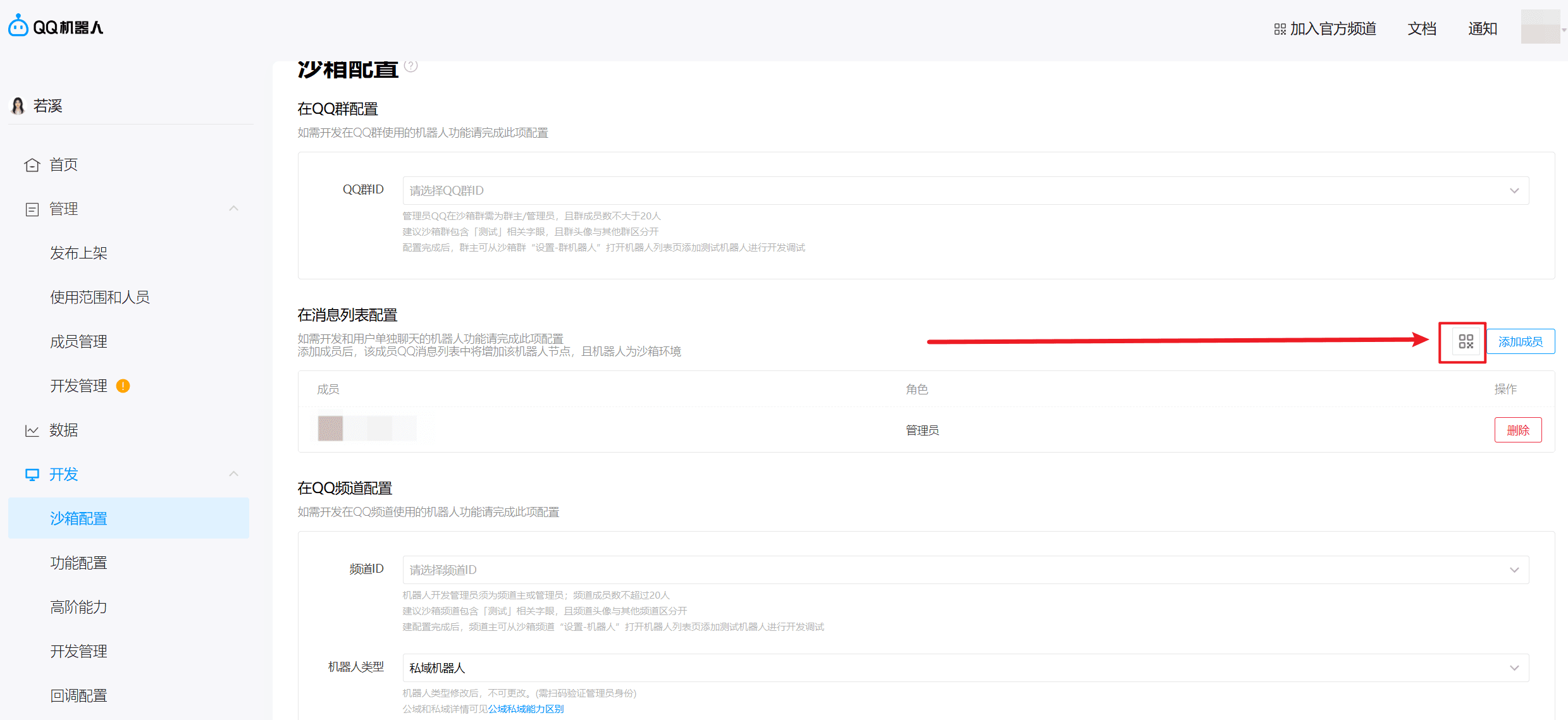
Click the QR code to scan and directly enter the QQ bot chat window.
2. Start the Service
Complete this channel’s configuration in the 302 AI Studio client under Settings → Vibe Mode: enter your AppID and AppSecret, then click Update Configuration. The gateway will restart automatically, after which you can chat normally in QQ.