Tips & Best Practices
Master these tips to make your Vibe Coding experience more efficient and smooth.
Provide Clear Requirements
The clearer your requirements, the more accurate the AI-generated code. A good prompt should include:
- Feature Description - What functionality you want to implement
- Reference Examples - Similar products or design references
- Technical Preferences - If you have specific tech stack requirements
Example Prompt
Based on the workflow and prompts from this article
https://mp.weixin.qq.com/s/xxx

Using this API
https://doc.302.ai/xxx

Create a PPT generator referencing Figma's interface
Features include auto-generating outlines and PPT content
API KEY is entered by the user in the interface and cached locally
Make Good Use of Screenshots
When encountering issues, sending screenshots directly to the AI is the most efficient way to communicate.
AI can understand:
- Error messages in screenshots
- Interface layout issues
- Styling display anomalies
- Situations where functionality doesn't meet expectations
And provide targeted fix solutions.
Iterative Development
Complex projects don't need to be perfect in one go. Recommended iteration process:
Build the Basic Framework
First, have the AI create the project's basic structure and core functionality.
Add Features Gradually
Add functional modules one by one, verifying the results after each addition.
Optimize and Polish
After completing the functionality, optimize the interface and refine details.
Utilize API Debug Console
During development, you can ask the AI to add a debug console feature to conveniently view API call status and return results, quickly pinpointing issues.
Example prompt:
Need to add an API debug console where I can see which APIs are called and whether they return responsesMore Vibe Coding Showcases
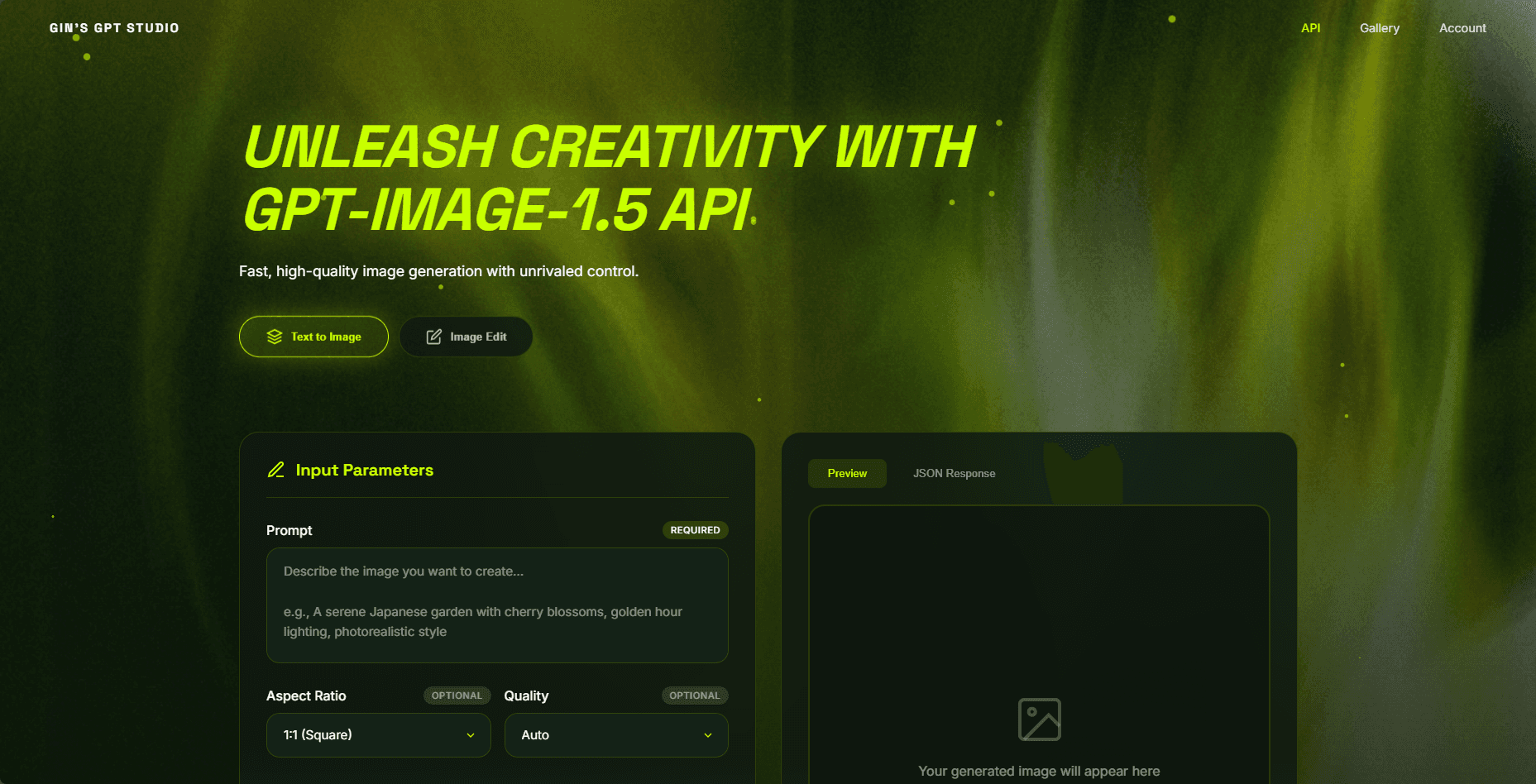
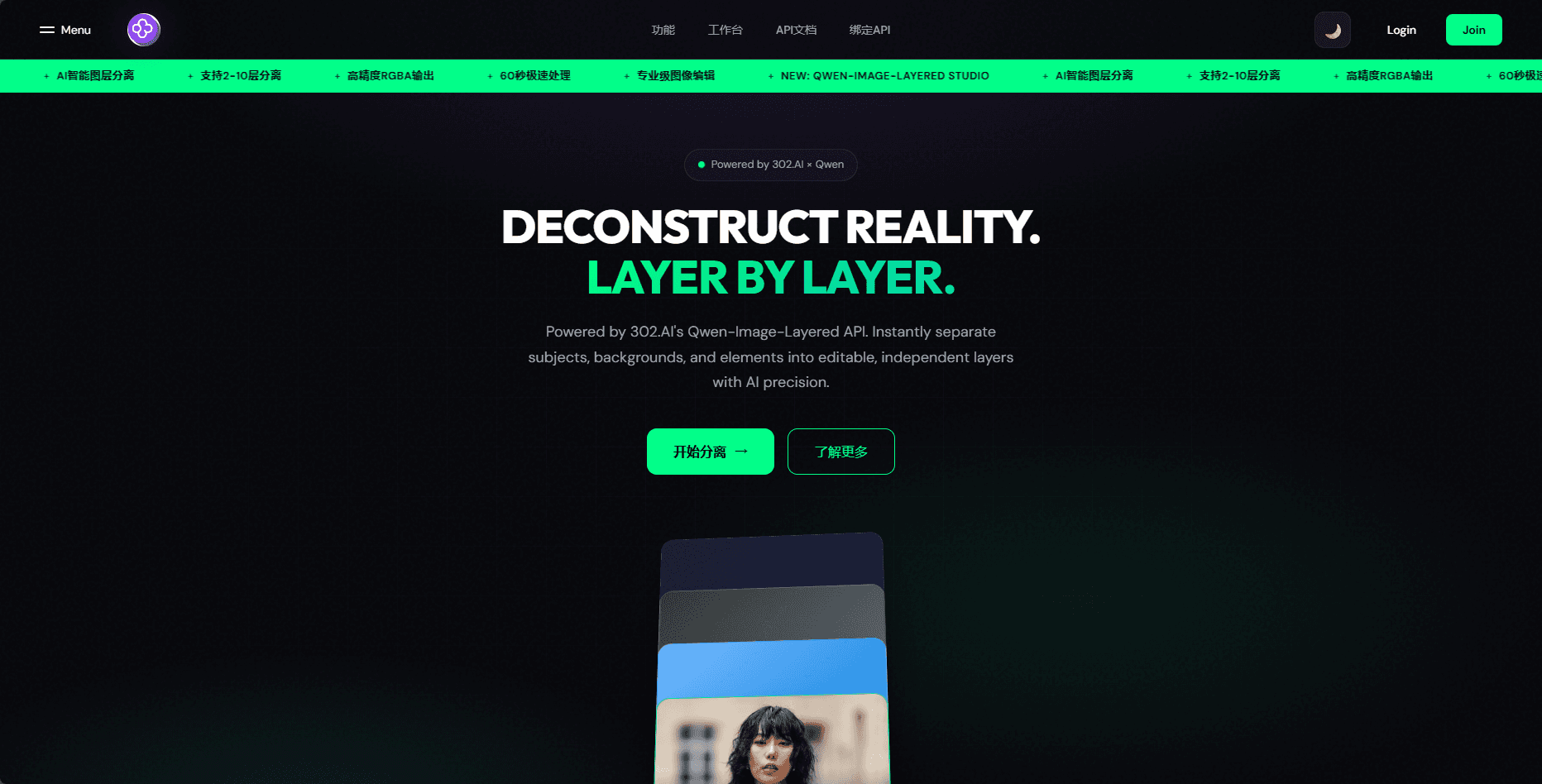
Below are more application sites created using 302.AI client's Vibe feature
Image Generation Site Based on GPT-Image-1.5 API
Model Arena for LLMs
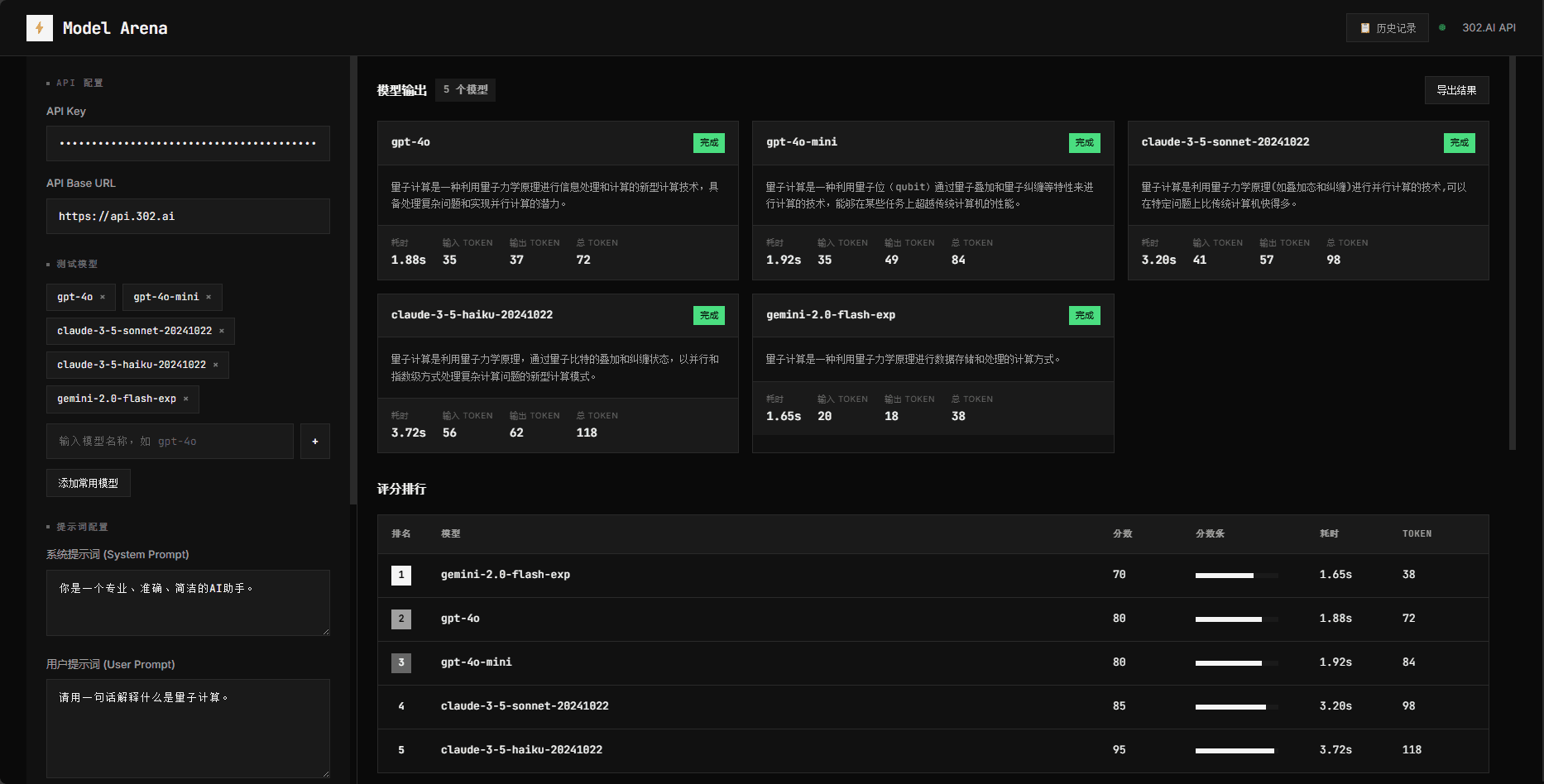
Image Editing Site Based on Qwen-Image-Layered API
Common Issue Handling
AI Generated Code Has Errors
- Send the error message or screenshot to the AI
- Describe the expected behavior
- Let the AI fix it
Functionality Doesn't Meet Expectations
- Clearly describe the current behavior
- Detail the expected behavior
- If there's a reference, provide a reference link or screenshot
Unsatisfied with Styling
- Provide specific style requirements (colors, fonts, layout, etc.)
- Or provide a design reference image
- Let the AI adjust according to requirements