Core Features
This article provides a detailed introduction to the core features of 302 AI Studio Vibe Coding mode, helping you fully leverage its power.
🖥️ Real-time Preview
Click "Open Agent Preview" in the upper right corner of the conversation window to preview your work in real-time while AI is coding.
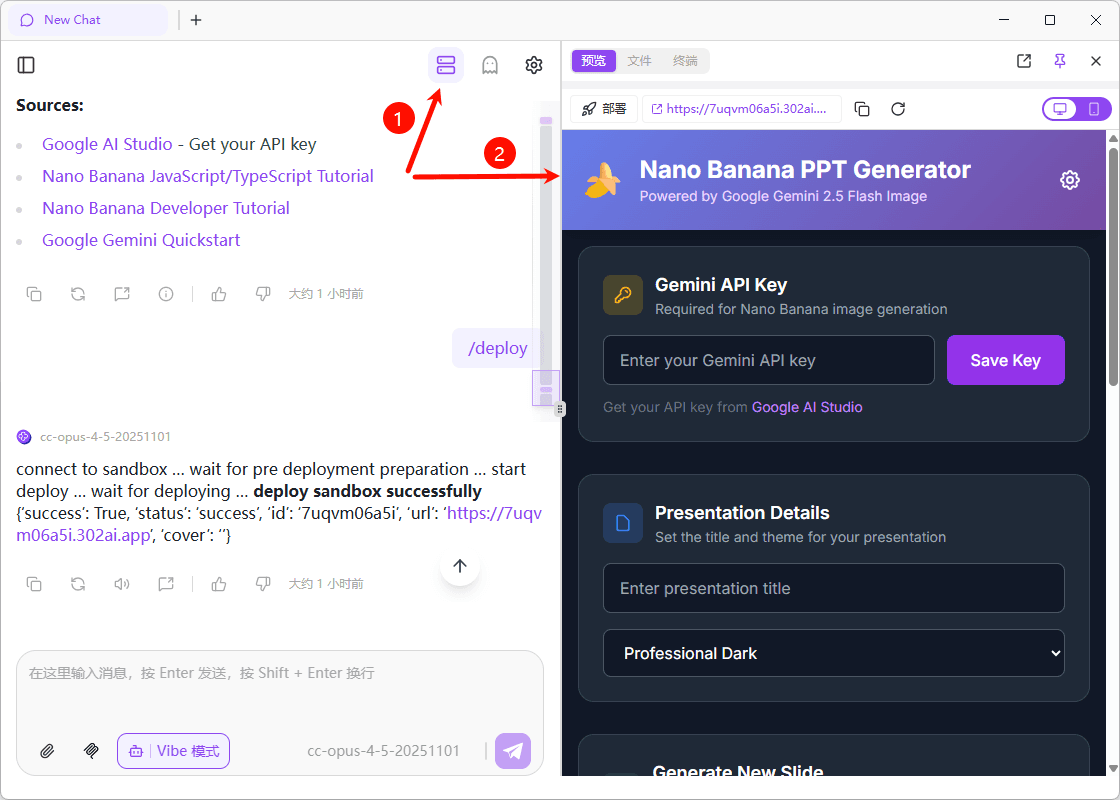
This feature allows you to:
- View code execution results in real-time
- Take screenshots and provide immediate feedback
- Communicate efficiently with AI for iterative improvements
Multiple Preview Modes
The preview window supports three view modes that can be switched at any time:
| Preview | Files | Terminal | |
|---|---|---|---|
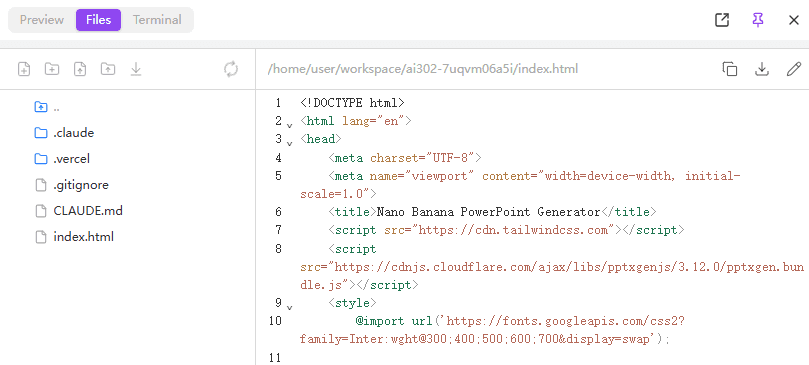
| Description | View application running effects in real-time | Browse and view project file tree structure | View command execution output and running logs |
| Screenshot | 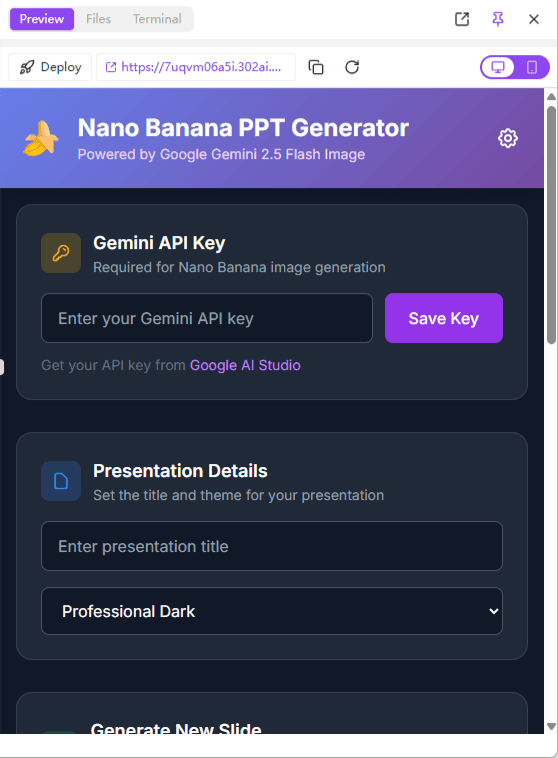 | 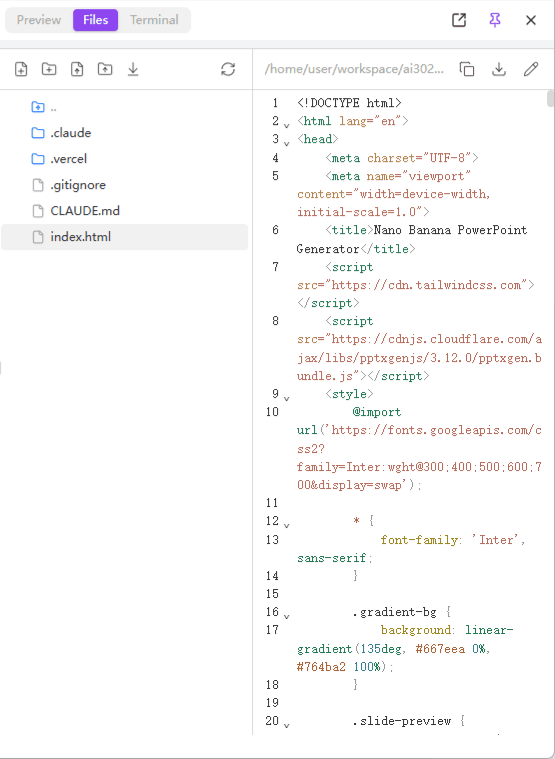 | 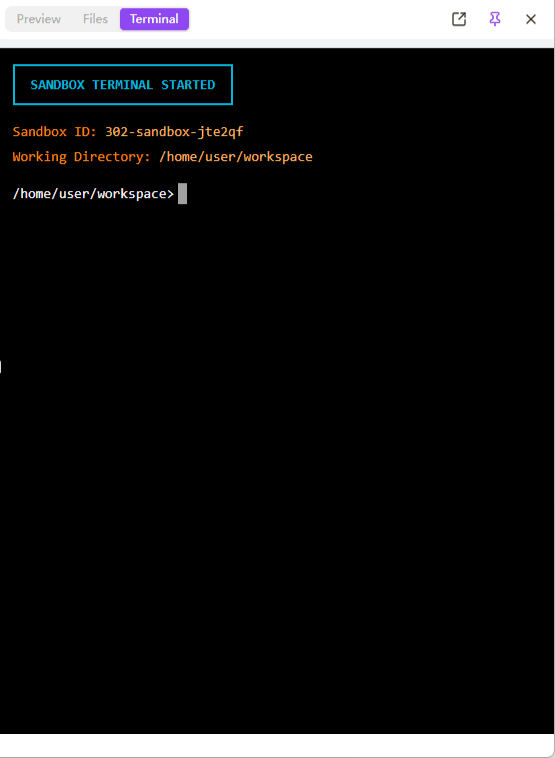 |
Usage Tips
When encountering interface issues, taking a screenshot and sending it to AI is the most efficient way to communicate. AI can understand error messages and interface problems in screenshots and provide targeted solutions.
☁️ Cloud File Sync
In the "Files" menu, you can:
| Feature | Description |
|---|---|
| Upload Files | Upload reference images, design drafts, and other materials for the model to use |
| Download Project | Download completed project files to local storage |
| Persistent Storage | Cloud data is persistently saved, enabling multi-device synchronization |
Project files are stored in the cloud, allowing you to continue your work on different devices.
🎯 Pre-installed Claude Skills
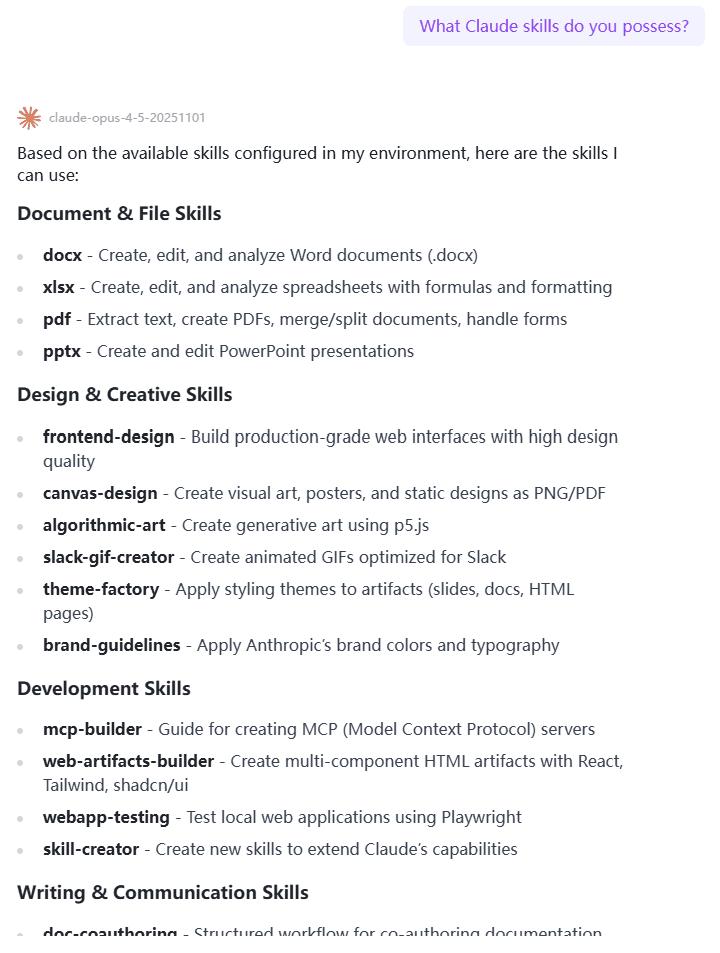
If Claude Code is a secret agent, then Claude Skills are the various high-tech tools it carries.
Traditional local installation requires you to find code, read documentation, modify configuration files, and handle dependency errors. 302 AI Studio comes pre-installed with the most practical official Skills—the moment you open the sandbox, your Claude is already "fully equipped," ready to use out of the box, starting with maximum configuration.
Pre-installed Skills Include
- Frontend design best practices
- Code standards and style guides
- Common framework usage guides
- More practical skills...
🚀 One-Click Deployment
We've bridged the "last mile" of Vibe Coding for you.
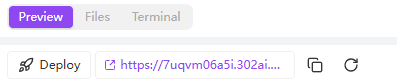
Click the "Deploy" button to intelligently deploy your project—whether it's a simple static single page or a complex frontend application—to the public network with one click.
Deployment Features
- No Server Required - No need to purchase or configure servers
- No Domain Required - Automatically generates access links
- Instant Online - Click to deploy, online in seconds
- Persistent Hosting - Continuously accessible after deployment
Deployment Costs
Static websites deployed are hosted on the 302.AI platform, currently provided free of charge.